

Your galaxy, one row at a time
Scout free orbits, spy rival worlds, harvest debris drifting from an older age.

SoonA peaceful space strategy game for your workday
Always within reach, never in the way. Hover to check in for a few seconds. Move away and it folds back, while your mines keep digging.
$9.99 once. No in-game purchases.One email on launch day, nothing elseMac App StoremacOS 26 or later


 Metal Mine 21
Tap the notch
 Metal Mine 21
The game
Real-time, like the classic browser space empires: minutes at first, then hours, then days. All of it folded under your notch.
Scout free orbits, spy rival worlds, harvest debris drifting from an older age.

337,115
Metal a day on one planet, a few weeks in.

Fleets hold in deep space for hours. Some come home rich, some come home late.

Pick an orbit by its climate and room. A cold world makes more deuterium.

Spy a rival planet once, then trade with it. Prices drift every day.
Later on, move a whole planet to a better orbit. It keeps its buildings and takes the climate of its new home.
Why
A meeting that hasn’t started. An agent thinking. A file uploading. Most of us fill them with a feed.
taskfeedtaskfeed
A feed never ends. You come back late, and scattered.
tasknotchtasknotch
Queue an order, and there’s nothing left to do. You’re back first.
It runs out of things to askbefore you run out of time.
It started with my own waits. I work with coding agents all day, and every answer I waited for went to my feed. By evening my attention was in pieces. So I made a game that hides under the notch, is there in every app, and lets me go after a few seconds.
Your workday
A day, a few weeks in.
The meeting hasn’t started.
Upgrade a mine, start a research.
Your agent is refactoring.
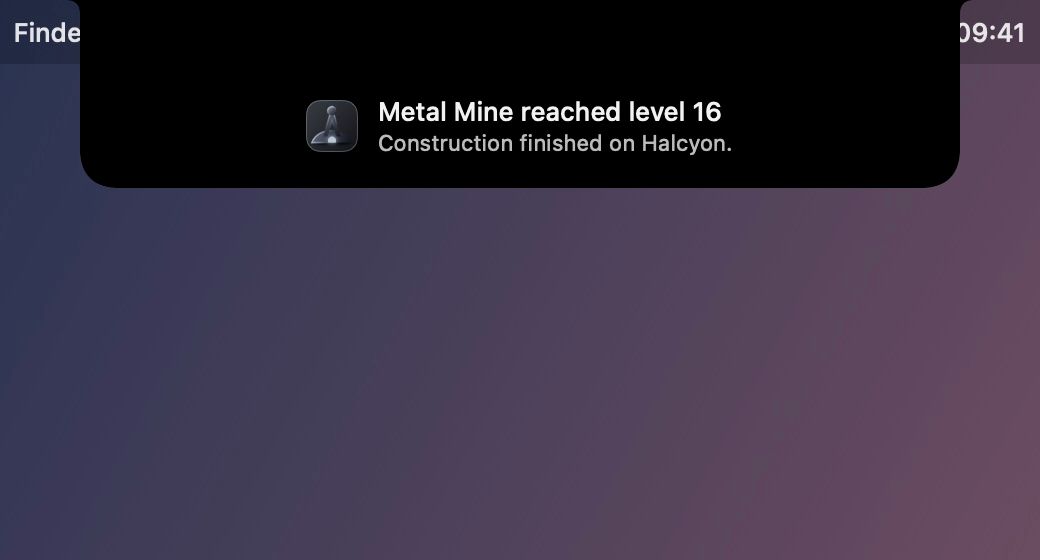
The notch swells: the mine is done. Queue the next.

The report is uploading.
Send an expedition into deep space.
On hold with support.
The fleet is home with crystal. Trade the surplus.
The long game

Name your empire. First mines and power.

About day 9Your first probe scouts a free orbit.

About day 15Your first expedition into deep space.

About day 16A second planet. The Market opens.

About day 23Your fifth planet.

About day 55Whole planets can move.

See where you stand among 240 rival houses.

A story, found piece by piece in deep space.
55 achievements · days from our balancing bot, four check-ins a day
Miss a day or a month, nothing raids you. Grow alongside 240 rival houses and see where you stand.
No window, no Dock icon, no strip of your screen. It speaks only when something is done.
No in-game purchases. No coins, no boosts, no ads.
Lives on your Mac. No account, no tracking.
Four times a day or once, it grows either way. Long expeditions suit rare visits.
It opens only when your pointer reaches the notch and folds when it leaves, without taking you out of your app.
Yes. Turn off Show Activity and Alerts and the closed notch shows nothing and sends no notification.
Your empire keeps time. Open the lid and it catches up, whether you were gone an hour or a month. Mines stop when their storage is full, so build storage before a long trip.
With the lid open it stays under the notch. Lid closed, it moves to the top of your main display.
The open panel does, like any window. The closed notch can stay blank.
Not measurably. In our test on a MacBook Pro, power draw was the same with or without Galaxyhold running.
Each empire lives on one Mac. You can keep several empires side by side.
Galaxyhold sits in a small pill at the top of the screen.
English and French. Spanish, German and Italian in beta.
$9.99 once on the Mac App Store, with no trial there. Refunds go through Apple, like any App Store purchase.
Galaxyhold is coming to the Mac App Store. We’ll write once, the day it’s out.
$9.99 once.No in-game purchases